

Running projects out of nested spreadsheets, Slack threads, and calendar reminders works fine, right up until you hit twelve concurrent deliverables and three client deadlines in the same week. Once tasks live in three places, you spend more time updating status trackers than actually shipping work.
Quick Answer: After testing over two dozen project management tools and software against ToolVetting’s 4-pillar Vesting Score, ClickUp ranks #1 overall for cross-functional operational ROI and automation depth, Asana leads for structured enterprise and marketing execution, Jira remains unmatched for software engineering teams, and Teamwork.com is the top choice for client-facing agencies tracking billable margins.
Over the past year, I tested more than two dozen project management platforms inside real operational environments. Most “best of” lists on the web are ranked by affiliate payouts or, in the case of vendor blogs, put their own product at number one.
We don’t do that here. Every project management tool, software or platform below was evaluated using our Vesting Score methodology to determine whether the software actually saves hours over time or simply creates expensive “admin debt.”
How I Vetted and Ranked Project Management Tools?

We treat software as an equity investment rather than a disposable utility. To make this top 13 list, each platform was stress-tested across our four core pillars:
1. Operational ROI (35%)
Does the tool eliminate repetitive status updates and reduce meeting bloat, or does it require a full-time administrator just to maintain boards and custom fields?
2. Integration Ecosystem (25%)
How cleanly does it connect with your existing stack specifically Slack, Google Workspace, GitHub, CRMs, and webhook/automation builders like n8n or Zapier?
3. Data Sovereignty & Governance (20%)
As AI agents become embedded in project workspaces, how transparent are the vendor’s data retention policies, permission controls, and model-training opt-outs?
4. Future-Proofing (20%)
Is the platform building practical, reliable AI workflow capabilities and sustainable pricing tiers, or is it gating basic features behind enterprise paywalls?
2027 Best Project Management Tools & Software
| Rank & Tool | Best For | Vesting Score | Free Plan Available? | Starting Paid Price (Billed Annually) |
| 1. ClickUp | All-in-one customization & AI workflows | 9.4 / 10 | Yes (Unlimited tasks/members) | $7 / user / month |
| 2. Asana | Cross-functional ops & marketing teams | 9.2 / 10 | Yes (Up to 2–10 users) | $10.99 / user / month |
| 3. monday.com | Visual workflow building & fast adoption | 9.0 / 10 | Yes (Up to 2 seats) | $9 / user / month |
| 4. Jira | Agile software & engineering teams | 8.9 / 10 | Yes (Up to 10 users) | $7.53 / user / month |
| 5. Teamwork.com | Client agencies & billable profitability | 8.8 / 10 | Yes (Up to 5 users) | $10.99 / user / month |
| 6. Notion | Wiki-first teams & product documentation | 8.7 / 10 | Yes (Individual / limited blocks) | $10 / user / month |
| 7. Smartsheet | Spreadsheet-driven PMOs & portfolios | 8.5 / 10 | No (30-day trial only) | $9 / user / month |
| 8. Linear | High-velocity product & dev startups | 8.5 / 10 | Yes (Up to 250 active issues) | $8 / user / month |
| 9. Wrike | Enterprise governance & complex approvals | 8.4 / 10 | Yes (Up to 200 active tasks) | $10 / user / month |
| 10. Airtable | Relational databases & custom ops apps | 8.3 / 10 | Yes (Up to 5 editors) | $20 / user / month |
| 11. Trello | Lightweight Kanban & solo/small teams | 8.0 / 10 | Yes (Up to 10 boards) | $5 / user / month |
| 12. Basecamp | Async communication & flat-rate pricing | 7.8 / 10 | Yes (1 project at a time) | $15 / user / month (or $299 flat) |
| 13. Todoist | Personal task execution & micro-teams | 7.6 / 10 | Yes (Up to 5 active projects) | $4 / user / month |
1. ClickUp: Best Overall for All-in-One Customization & Automation
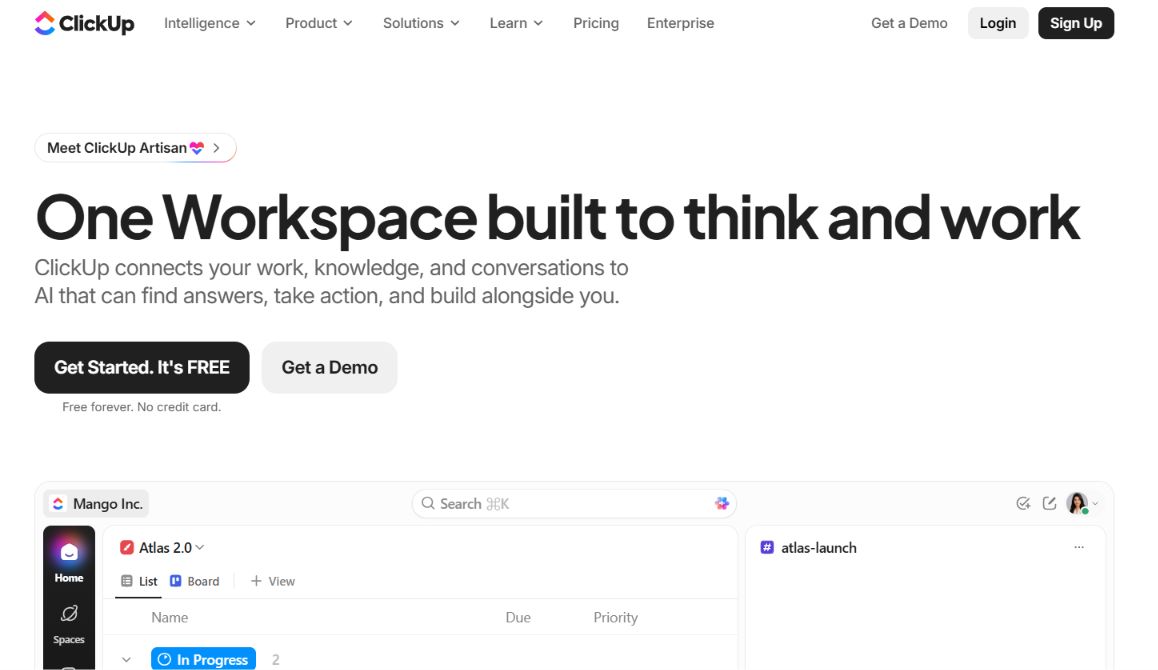
ClickUp earns our top spot because it consolidates tasks, docs, whiteboards, time tracking, and native automations into a single workspace without forcing you to buy three separate SaaS subscriptions. When I migrated a 15-person content and ops pipeline into ClickUp, we cut our weekly sync meetings in half simply by using custom task statuses and automated Slack triggers.
What Works?
Unmatched hierarchy flexibility (Spaces, Folders, Lists, Subtasks), 15+ project views (List, Board, Gantt, Workload), and a genuinely usable Free Forever plan.
Where It Creates Friction?
Because every menu and setting is configurable, non-technical team members often feel overwhelmed during week one. You have to deliberately turn off features your team doesn’t need.
Data & Pricing
SOC 2 Type II compliant with strict AI workspace opt-outs. Paid plans start at $7/user/month (Unlimited) and $12/user/month (Business).
2. Asana: Best for Cross-Functional Operations & Marketing Teams
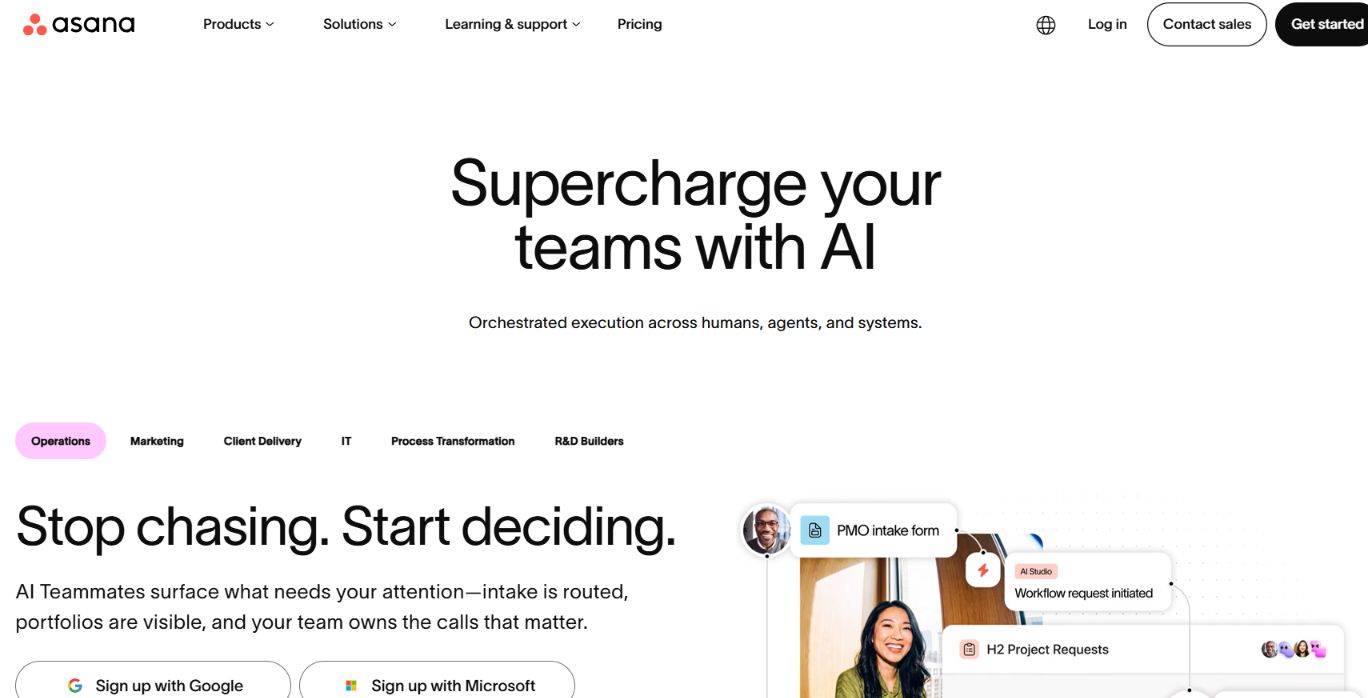
While ClickUp wins on raw configurability, Asana wins on execution clarity. Its interface nudges teams toward clean accountability: every task has one clear owner, a due date, and visible upstream dependencies. For marketing campaigns, product launches, and repeatable operational checklists, Asana’s “My Tasks” view remains the cleanest daily inbox on the market.
What Works?
Exceptional workflow builder, rock-solid dependency mapping on Timeline/Gantt views, and Portfolios that let leadership spot bottlenecks across dozens of active projects.
Where It Creates Friction?
Asana lacks native invoicing, budget tracking, and granular billable-hour profitability tools, making it less ideal for client-billing agencies. Paid tiers also require minimum seat blocks (typically 2+ seats).
Data & Pricing
Strong enterprise admin controls and zero training on customer workspace data by default. Starter plans begin at $10.99/user/month billed annually.
3. monday.com: Best for Visual Workflows & Rapid Team Adoption
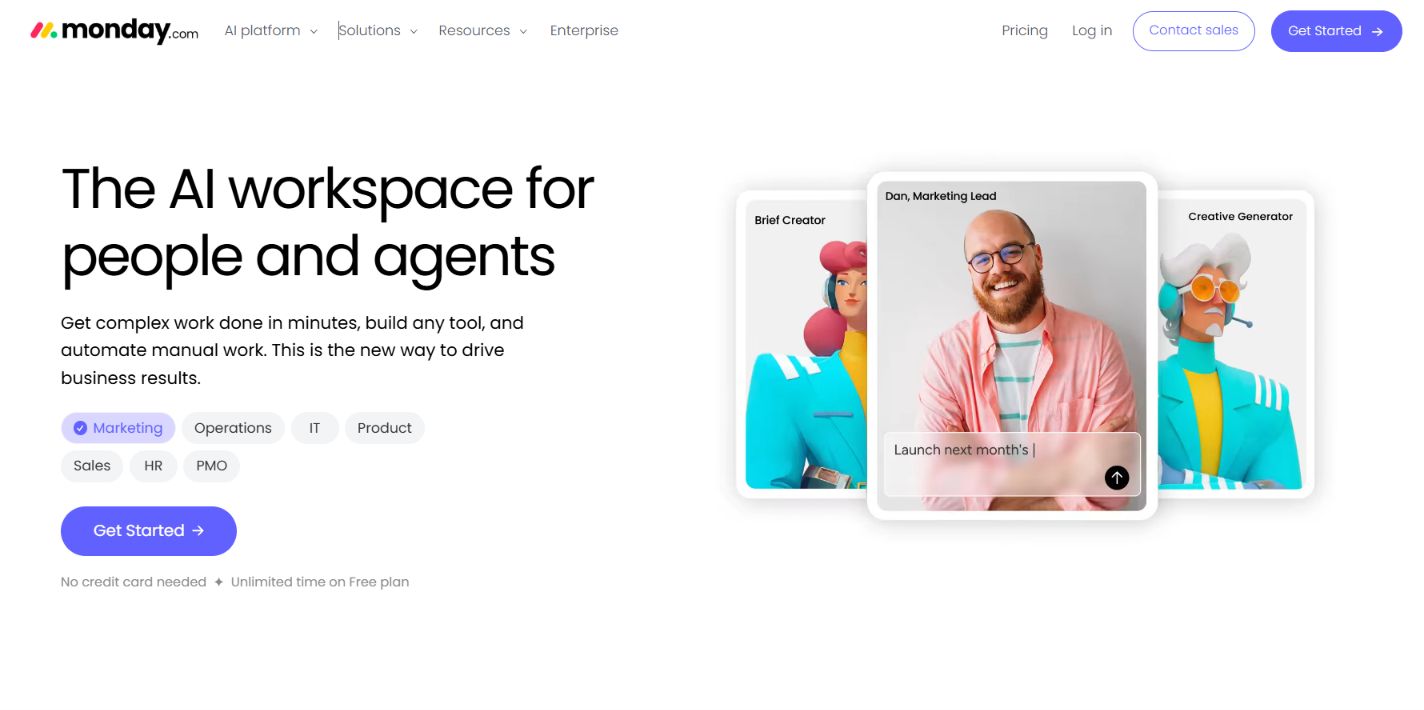
If your biggest hurdle isn’t missing features, but getting a reluctant team to actually log in and update their work, monday.com is usually the fastest fix. Its color-coded boards, status columns, and no-code automation recipes (“When status changes to Stuck, notify team lead”) require almost zero onboarding time.
What Works?
Best-in-class visual dashboards, intuitive resource workload widgets on Pro plans, and hundreds of ready-made templates across HR, creative, and operations.
Where It Creates Friction?
Pricing scales in awkward seat increments (3, 5, 10 seats), and essential project management tools like Gantt charts and time tracking are locked behind the Standard and Pro tiers.
Data & Pricing
ISO 27001 and HIPAA-ready options on Enterprise. Paid plans start at $9/seat/month (Basic) and $12/seat/month (Standard).
4. Jira: Best for Agile Software & Engineering Teams
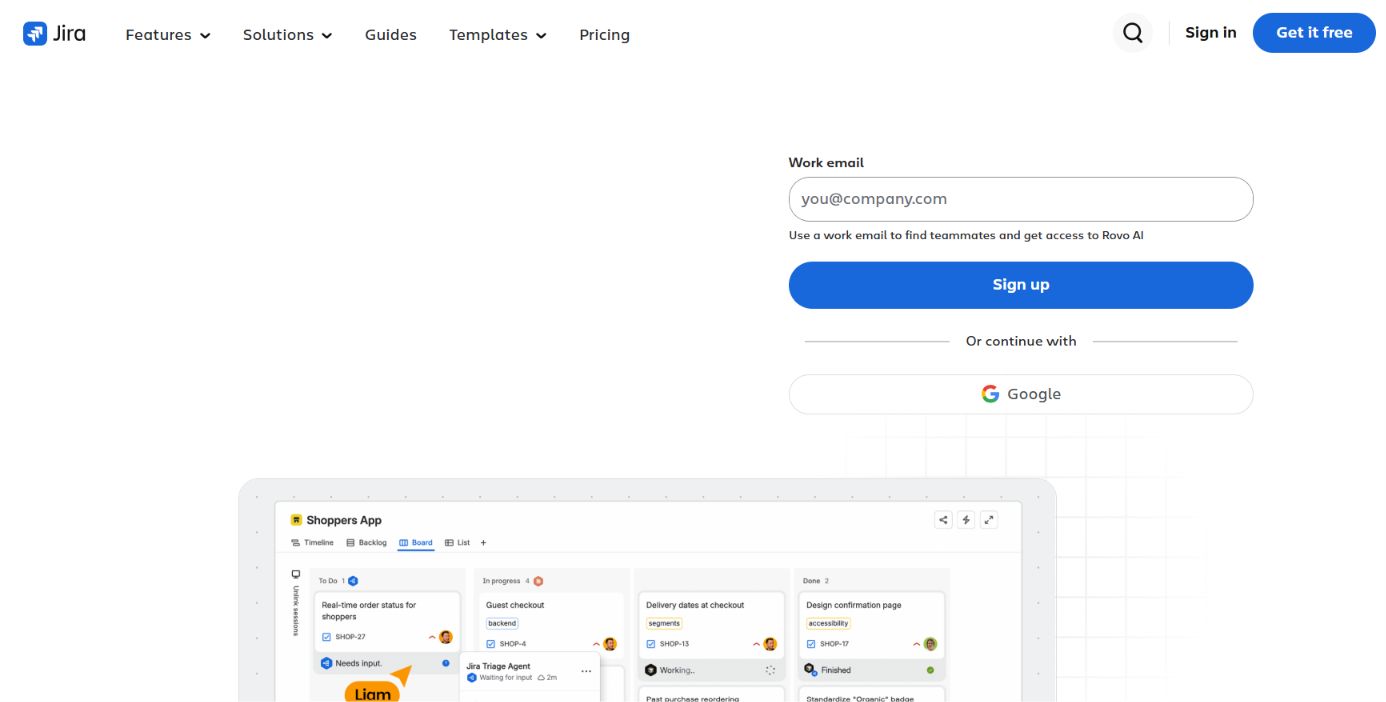
Nobody beats Jira when your core workflow revolves around sprints, story points, bug triage, and CI/CD repository commits. Its native integration with GitHub, GitLab, Bitbucket, and Confluence turns code commits directly into status updates without developers having to manually drag cards across a board.
What Works?
Granular Scrum and Kanban boards, velocity charts, burndown reports, and over 3,000 marketplace apps. Free for up to 10 users.
Where It Creates Friction?
Trying to force marketing, legal, or HR teams into Jira usually ends in frustration. The terminology and permission schemes carry a steep learning curve for non-engineers.
Data & Pricing
Atlassian provides strong residency controls (US, EU, Australia, etc.). Standard plans start around $7.53/user/month.
5. Teamwork.com: Best for Client-Facing Agencies & Billable Projects
Most project management tools tell you whether a project is on schedule; Teamwork.com tells you whether the project is actually making money. Built specifically for agencies, consultancies, and professional services firms, it pairs task boards with retainer tracking, billable vs. non-billable time logs, and client permission portals.
What Works?
Native profitability reporting, free unlimited client collaborator seats, and workload capacity planning tied directly to project budgets.
Where It Creates Friction?
The interface feels utilitarian rather than flashy, and software engineering teams will miss native sprint/repository tools.
Data & Pricing
Free for up to 5 users; paid Deliver plans start at $10.99/user/month billed annually.
6. Notion: Best for Wiki-First Teams & Product Documentation
If your projects live inside product specs, SOPs, and meeting notes, separating your documentation from your task tracker creates constant context switching. Notion solves this by making every task card a full collaborative document inside a relational database.
What Works?
Unrivaled flexibility for combining company wikis, sprint boards, and roadmaps in one clean workspace. Strong API support for custom automation pipelines.
Where It Creates Friction?
Large databases (over 5,000+ rows) can feel sluggish, and Notion still lacks native resource capacity planning, timesheets, and financial budgeting.
Data & Pricing
Zero data retention agreements available with AI add-ons on Business/Enterprise. Plus plans start at $10/user/month.
7. Smartsheet: Best for Spreadsheet-Driven PMOs & Portfolios
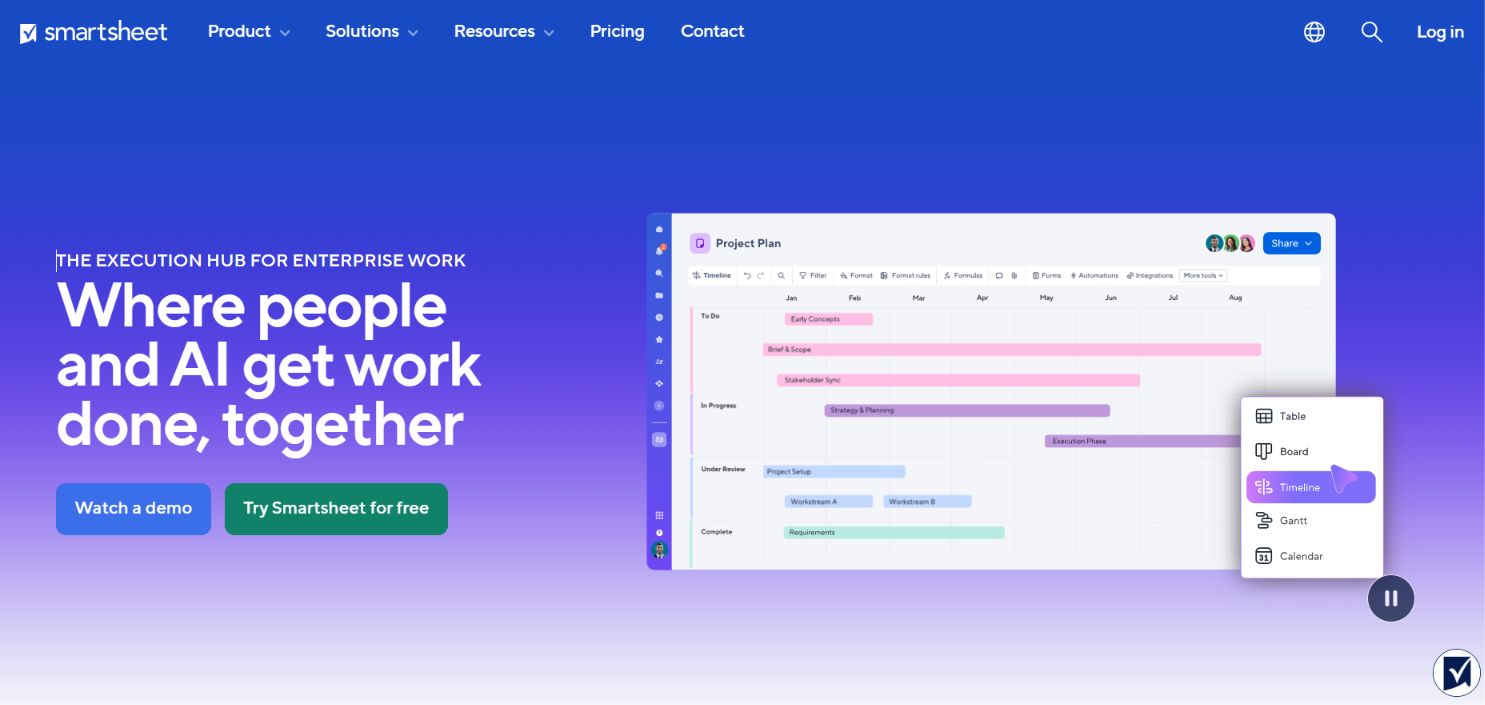
If your operations leads live in Excel formulas, VLOOKUPs, and multi-tab financial rollups, Smartsheet lets you keep that tabular muscle memory while adding automated approval workflows, Gantt timelines, and executive dashboards.
What Works?
Cross-sheet formulas, automated update requests via email (recipients don’t even need a license to reply), and heavy-duty portfolio governance.
Where It Creates Friction?
There is no permanent free plan, and the interface feels distinctly corporate compared to modern tools like Linear or Asana.
Data & Pricing
Pro plans start at $9/user/month (capped at 10 users); Business starts at $19/user/month.
8. Linear: Best for High-Velocity Product & Dev Startups
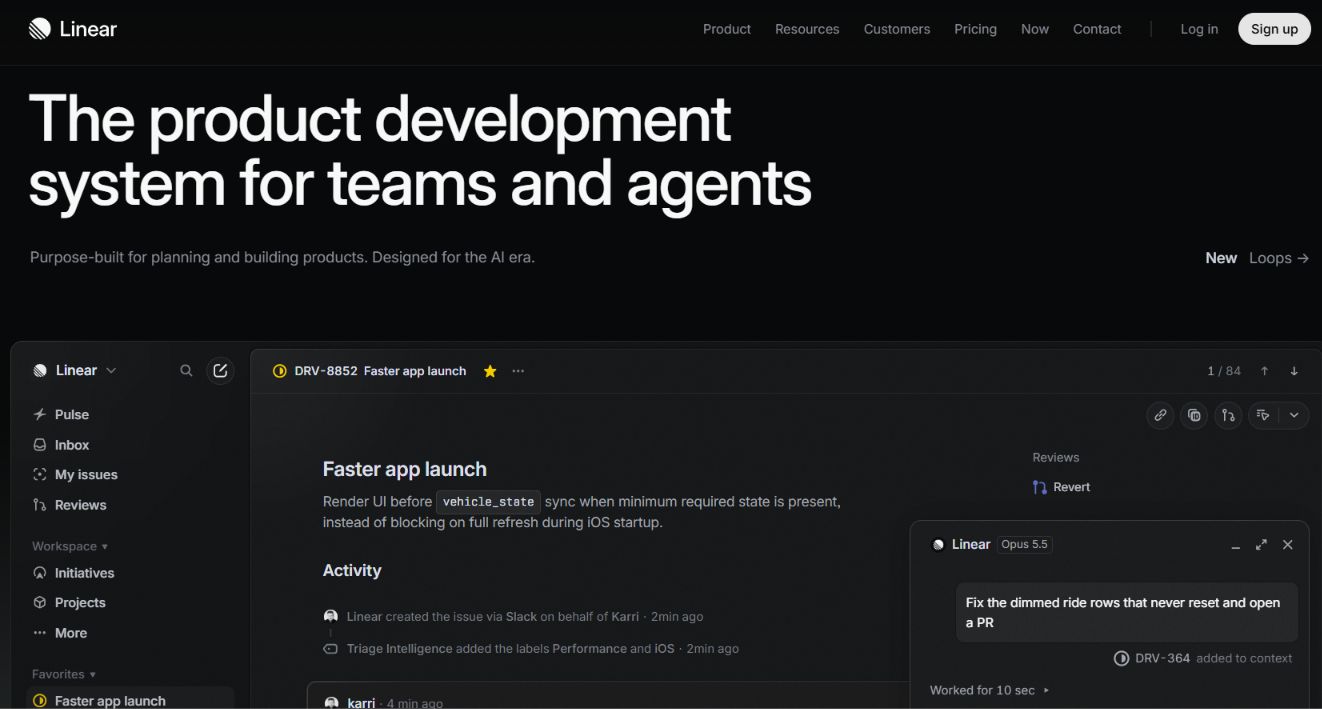
Linear is the antidote to bloated enterprise software. Built with keyboard-first navigation, instant local-first sync, and opinionated workflows (Cycles, Triage, Projects, Roadmaps), it is easily the fastest-feeling issue tracker I have ever tested.
What Works?
Sub-50ms UI responsiveness, automated backlog grooming, and effortless GitHub/Slack/Sentry sync.
Where It Creates Friction?
Linear is intentionally opinionated. If you want heavy custom fields, waterfall resource charts, or client billing, look elsewhere.
Data & Pricing
Free for unlimited members up to 250 active issues; Basic plans start at $8/user/month.
9. Wrike: Best for Enterprise Governance & Dynamic Request Forms
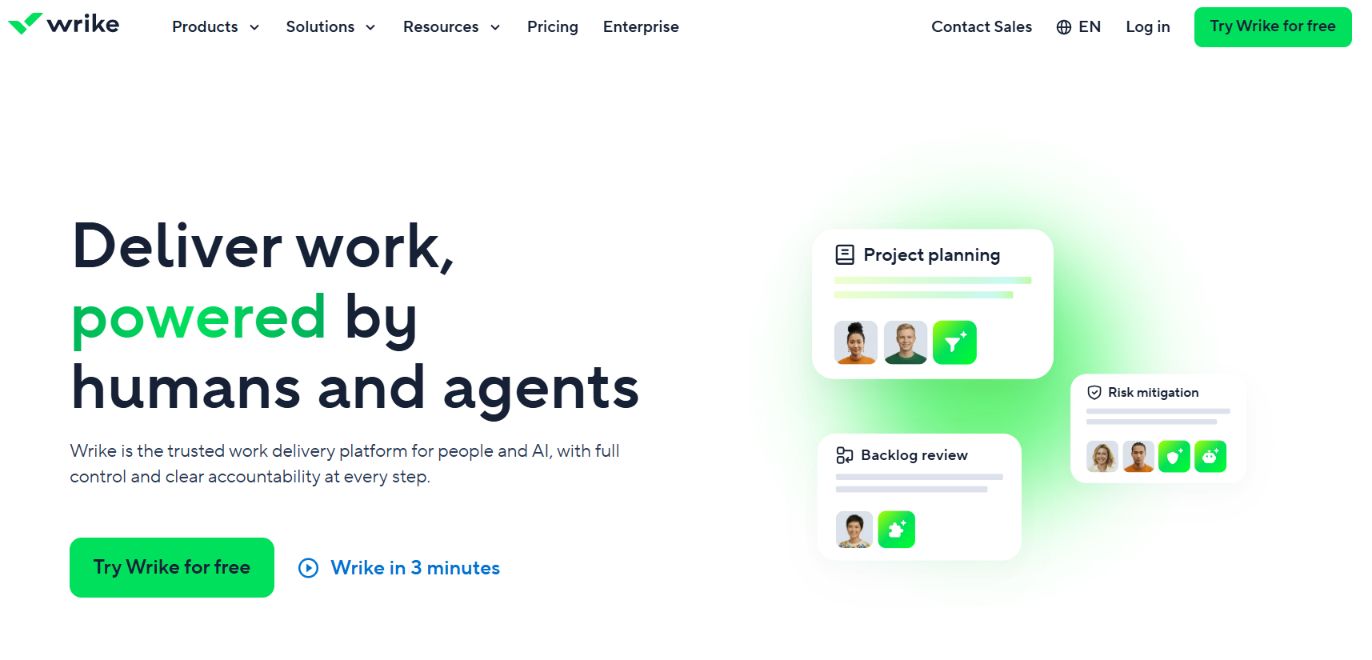
Wrike excels in large, matrixed organizations where work enters through standardized intake queues. Its dynamic request forms automatically route incoming creative or IT tickets to the right folder, assign owners, and spin up pre-built project blueprints without manual triage.
What Works?
Built-in visual proofing for creative assets, custom item types, and cross-tagging tasks across multiple departments without duplicating data.
Where It Creates Friction?
Navigation across nested Spaces, Folders, and Projects takes getting used to, and many advanced resource or security features require paid add-on packs.
Data & Pricing
Free plan supports up to 200 active tasks; Team plans start at $10/user/month billed annually.
10. Airtable: Best for Relational Databases & Custom Ops Apps
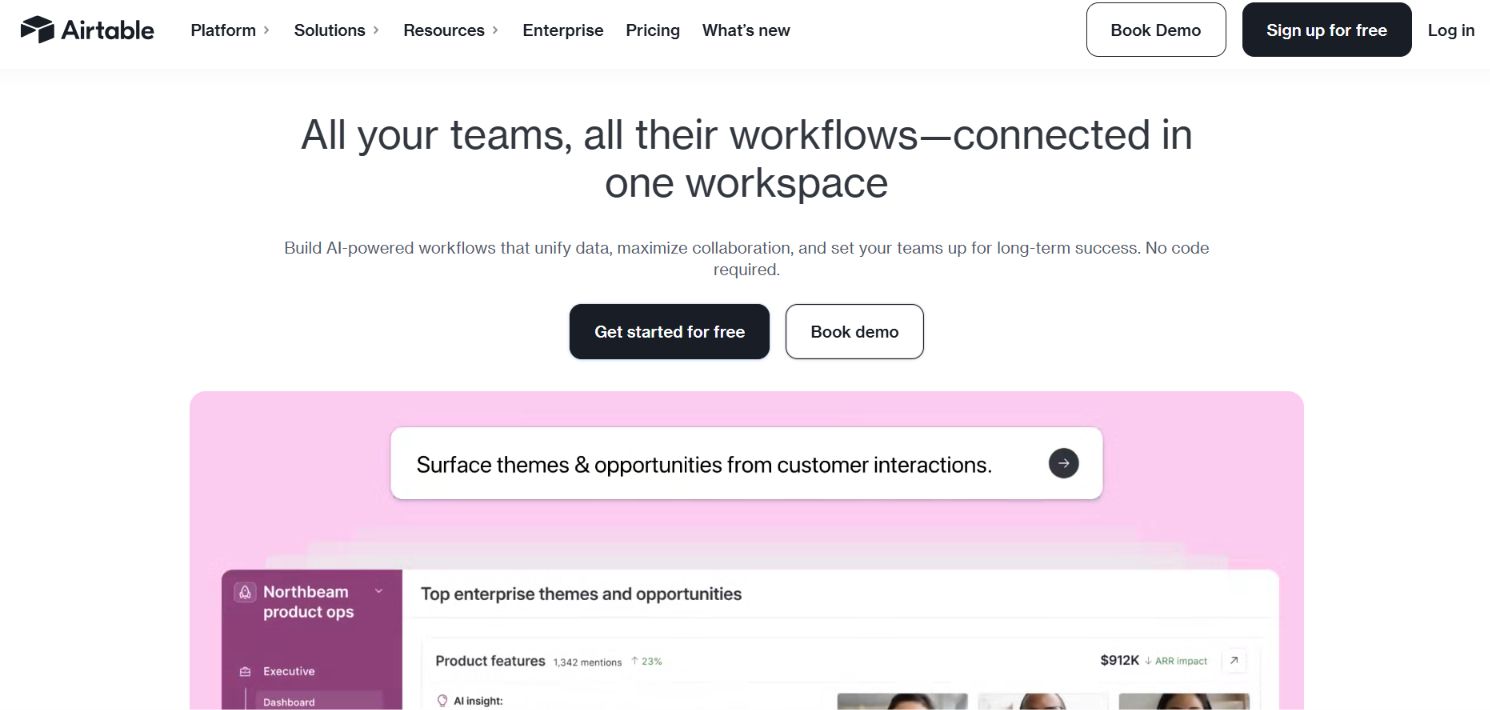
Airtable sits at the intersection of a relational database and a no-code app builder. Using Airtable Interfaces, you can build custom front-end portals so executives see high-level KPIs while contractors only see the specific records assigned to them.
What Works?
True relational record linking, clean Interface Designer views, and strong webhook/API triggers for automation engineers.
Where It Creates Friction?
At $20/user/month for the Team tier, it gets expensive quickly as headcount grows, and native Gantt/dependency features aren’t as fluid as dedicated PM platforms.
Data & Pricing
Free for up to 5 editors (1,000 records per base); Team plans start at $20/user/month.
11. Trello: Best for Lightweight Kanban & Visual Task Tracking
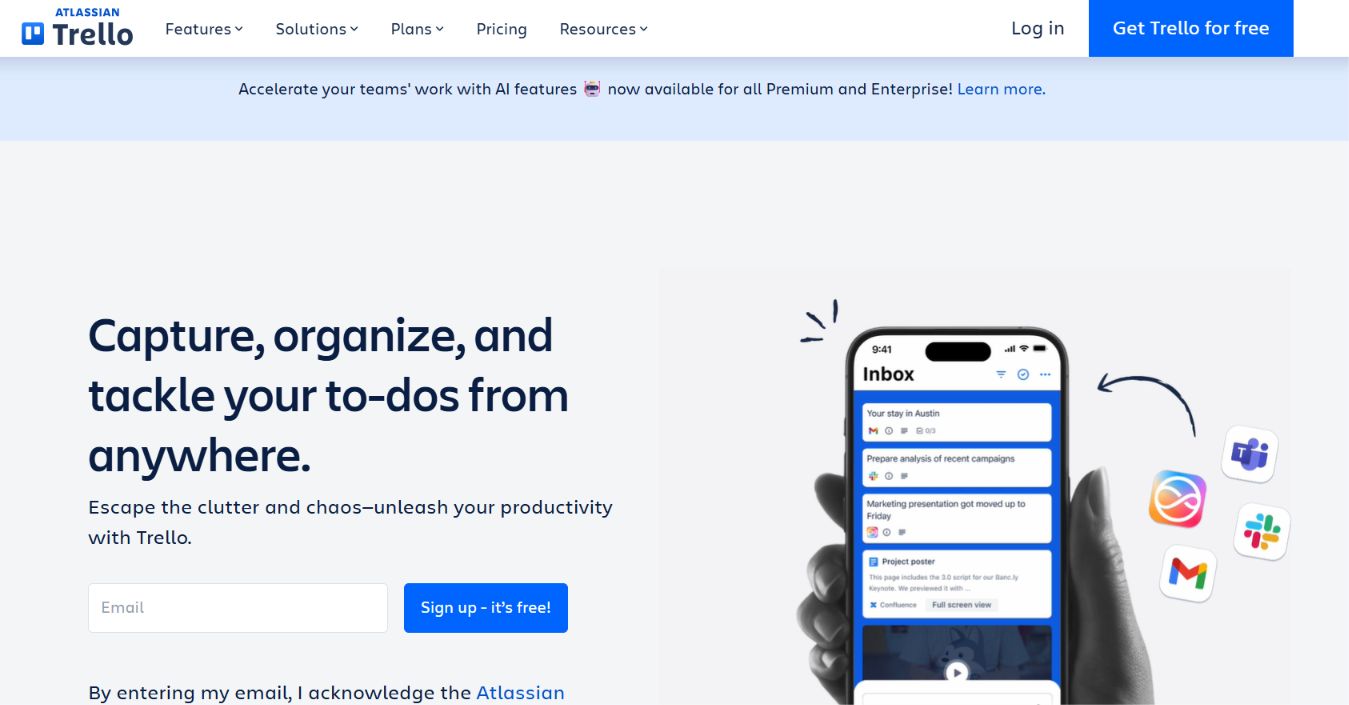
Sometimes you don’t need critical-path dependencies or resource heatmaps, you just need digital index cards moving from To Do to Done. Trello remains the gold standard for simple Kanban boards and personal or small-team editorial calendars.
What Works?
Zero learning curve, Butler no-code card automations, and reliable mobile apps.
Where It Creates Friction?
Once you manage more than 5–10 interconnected projects, Trello boards turn into information silos without unified portfolio reporting.
Data & Pricing
Free for up to 10 boards per workspace; Standard starts at $5/user/month.
12. Basecamp: Best for Async Communication & Flat-Rate Pricing
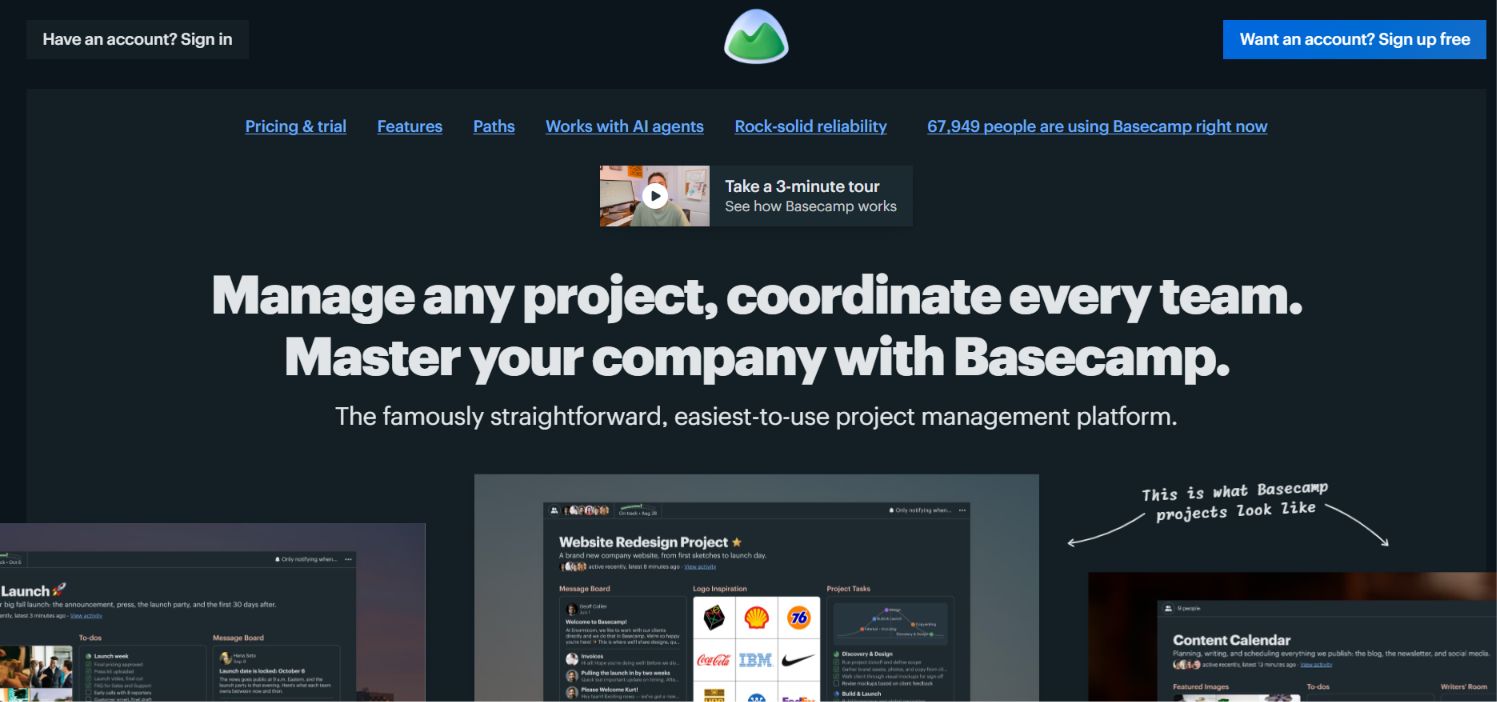
Basecamp deliberately rejects Gantt charts, story points, and complex custom fields. Instead, it organizes every project around six straightforward tools: Message Boards, To-dos, Docs & Files, Campfire group chat, Schedule, and Automatic Check-ins.
What Works?
Eliminates fragmented Slack/email threads with long-form async updates, and its Pro Unlimited tier offers predictable flat-rate pricing for growing companies.
Where It Creates Friction?
No native time tracking, no dependency charts, and limited reporting for data-heavy PMOs.
Data & Pricing
$15/user/month, or $299/month flat for unlimited users (billed annually).
13. Todoist: Best for Individual Execution & Micro-Teams
Todoist isn’t built for managing 50-person cross-departmental launches, and it doesn’t pretend to be. However, for founders, solo consultants, and 2-to-4-person teams who need natural-language task capture (“Submit Q4 tax prep every Friday at 9am”), nothing matches its speed.
What Works?
Fastest quick-add input across desktop and mobile, clean calendar layouts, and rock-solid reliability.
Where It Creates Friction?
Lacks resource management, budget tracking, and multi-project portfolio dashboards.
Data & Pricing
Free for up to 5 active projects; Pro starts at $4/user/month, Business at $6/user/month.
How to Choose the Right Project Management Software?
Before signing an annual contract, map your bottleneck to the right architecture, if;
- Your team struggles with too many tools. Start with ClickUp or Notion to consolidate docs and tasks into one workspace.
- Your Bill clients by the hour or retainer. Choose Teamwork.com so budget burn and profitability sit next to every task.
- You run sprints and ship code.Pick Jira (for enterprise compliance and scale) or Linear (for speed).
- Non-technical teams refuse to adopt complex tools. Roll out monday.com or Asana using 3–4 standardized templates first.
Frequently Asked Questions (FAQ)
What is the difference between task management and project management software?
Task management tools (like Todoist or basic Trello boards) focus on personal to-do lists, due dates, and simple checklists. Full project management software (like ClickUp, Asana, or Wrike) adds task dependencies, Gantt timelines, resource workload balancing, and cross-project reporting.
Which project management tool has the best free plan in 2026?
For general teams, ClickUp offers the most generous free tier with unlimited tasks and members. For software development teams of up to 10 people, Jira provides a full-featured free plan, while Teamwork.com is the best free starting point for small client agencies (up to 5 users).
How do AI features in project management tools affect company data privacy?
Most tier-1 vendors in 2026 (including Asana, ClickUp, Jira, and Notion) enforce zero-data-retention agreements with LLM providers on paid business tiers, meaning your proprietary project specs are not used to train public AI models. Always verify workspace AI permissions in your admin console before connecting sensitive client folders.
You May Like To Read:
