

Back in late 2022, I remember sitting at a coffee shop with my laptop open, staring at OpenAI’s playground. Like many of you, I was mind-blown that a tool could actually analyze text, reason through context and talk back like a human.
Fast forward to 2026: AI isn’t just about chatting anymore,it’s about doing.
Over the past few years, I’ve personally put hundreds of AI tools to the test. My primary goal is to see which ones actually eliminate repetitive grunt work and which ones are just overhyped, pretty interfaces with a subscription fee.
The biggest game-changer in my daily operations has been AI workflow automation. Instead of just moving data from Point A to Point B (like traditional automation tools used to do), modern AI agents can actually think, summarize, make decisions, and route tasks between your everyday apps.
Out of all the platforms I’ve stress-tested this year, here are the 14 best AI workflow automation tools that are genuinely worth your time and money.
What is an AI Workflow Automation Tool?
Traditional workflow tools (think early-generation Zapier) operated on simple “if this, then that” logic. If a form was submitted, it sent an email. Simple.
AI workflow automation tools take it a step further by placing Large Language Models (LLMs) directly inside that pipeline.
Instead of just moving raw data, the AI reads, analyzes, and decides what action to take:
Old way: Move an incoming customer email directly to Slack.
AI way: Read the customer email, gauge sentiment, summarize the core issue, categorize urgency, draft a personalized reply in Gmail, and flag the urgent ones in Slack.
No coding is required. Most of these tools use visual drag-and-drop canvases where you connect your apps (Google Sheets, Slack, Notion, CRMs) and prompt the AI in plain English.
The 14 Best AI Workflow Automation Tools in 2026
1. Gumloop
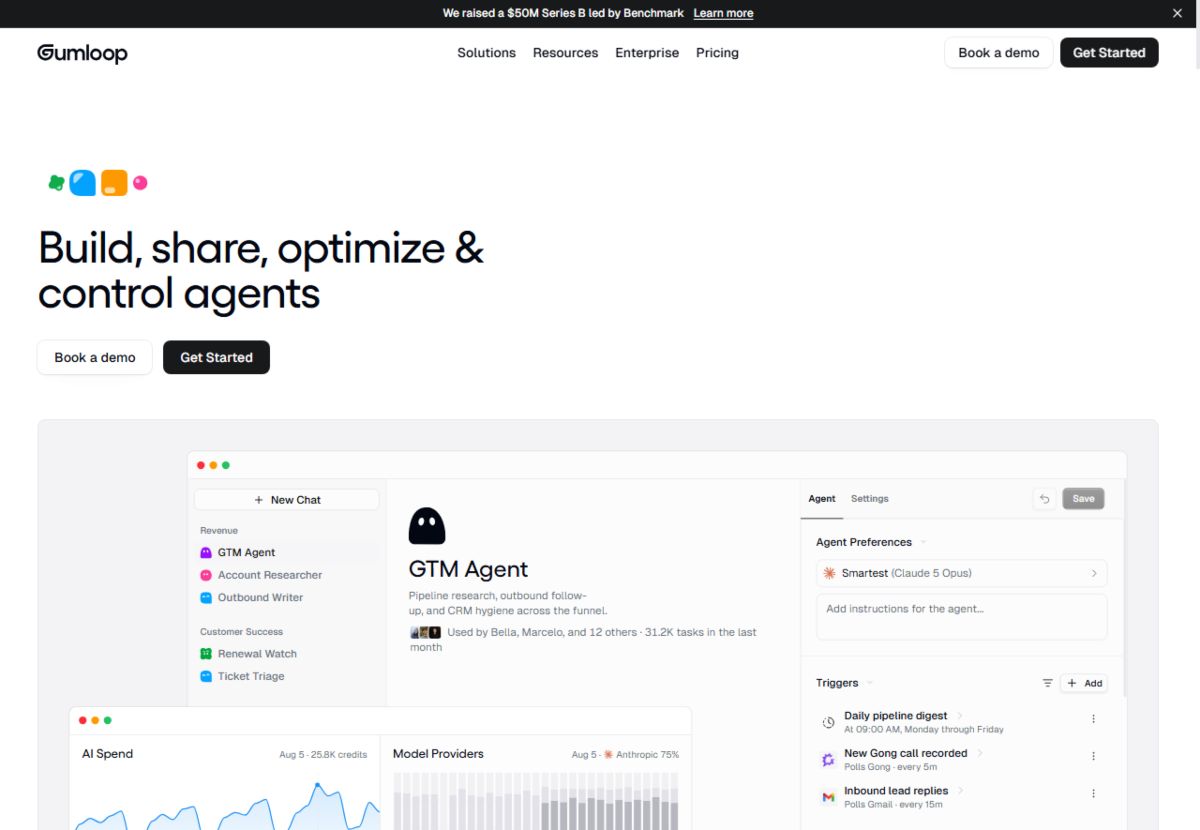
Best for: AI-native visual node workflows without needing your own API keys.
If I had to pick a tool that feels built ground-up for the current AI era, it’s Gumloop. It uses a drag-and-drop canvas (similar to building node diagrams) where you can plug in LLMs directly alongside web scrapers, Python scripts, and native app integrations.
Why I use it: You don’t need to juggle separate OpenAI or Anthropic API keys, they bundle top-tier models into the subscription. Their built-in AI assistant (“Gummie”) can even wire up complex multi-step workflows for you based on a prompt.
Best feature: Incredible web scraping + AI reasoning combos (e.g., scraping competitor pages and auto-generating SEO summaries).
Pricing: Free tier available; Pro starts around $37/month.
2. Zapier (with Central & AI Actions)
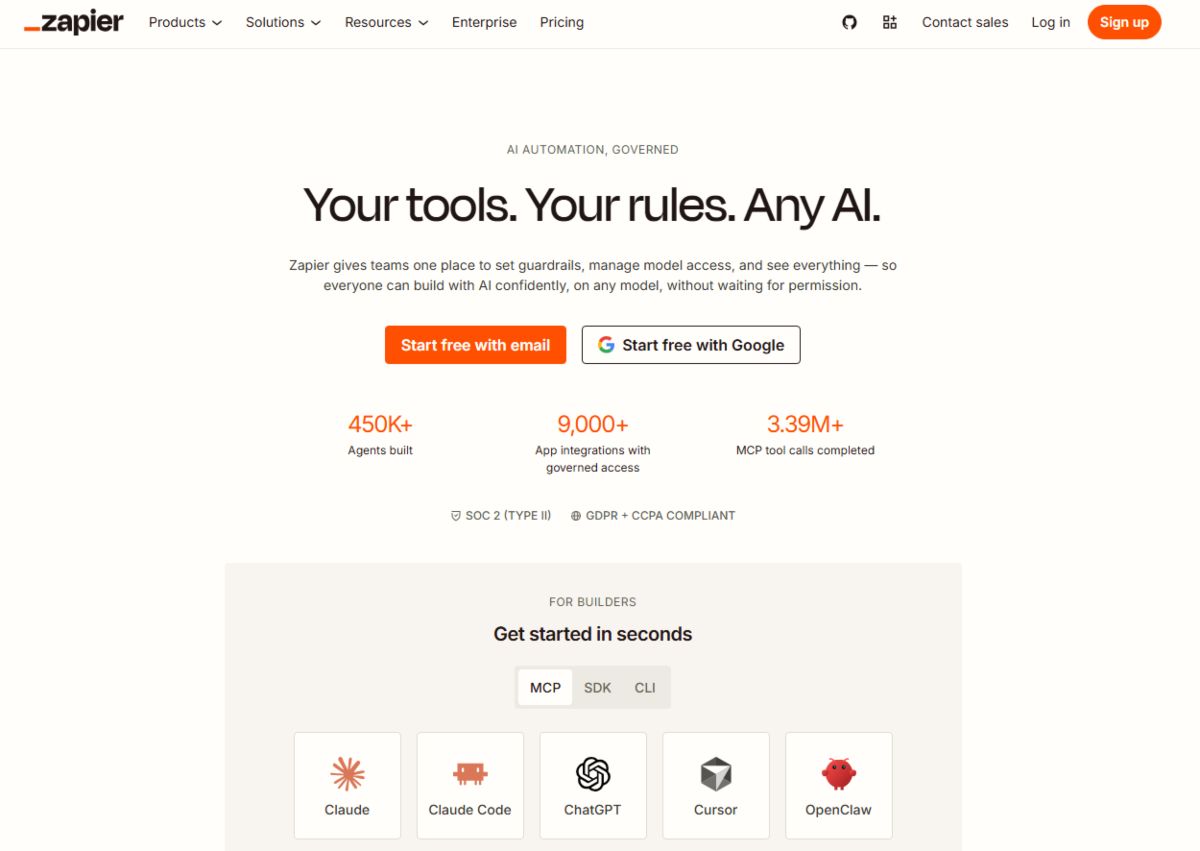
Best for: Ecosystem size and rock-solid reliability across thousands of apps.
Zapier is the veteran of the space. While it started as a basic connector, Zapier has heavily integrated AI into its core platform through AI Actions, Zapier Central, and Canvas interfaces.
Why I use it: If an app exists, Zapier connects to it. When I need complex conditional routing between obscure software tools that smaller platforms don’t support yet, Zapier is my safety net.
Best feature: Unmatched library of 6,000+ app integrations.
Pricing: Free plan available; paid tiers start at $29.99/month.
3. n8n

Best for: Technical teams, privacy-conscious setups, and self-hosters.
n8n is an open-source automation workflow tool that gives you granular control over your data. It supports native AI nodes (LangChain-powered) that let you build advanced AI agents, vector memory storage, and custom API connections.
Why I use it: You can self-host it on your own server for free. For privacy-sensitive data, running n8n locally with local LLMs (via Ollama) ensures zero data leaks.
Best feature: Deep flexibility with JavaScript/Python code nodes alongside visual AI agents.
Pricing: Free self-hosted version; Cloud plans start at €20/month.
4. Make (formerly Integromat)
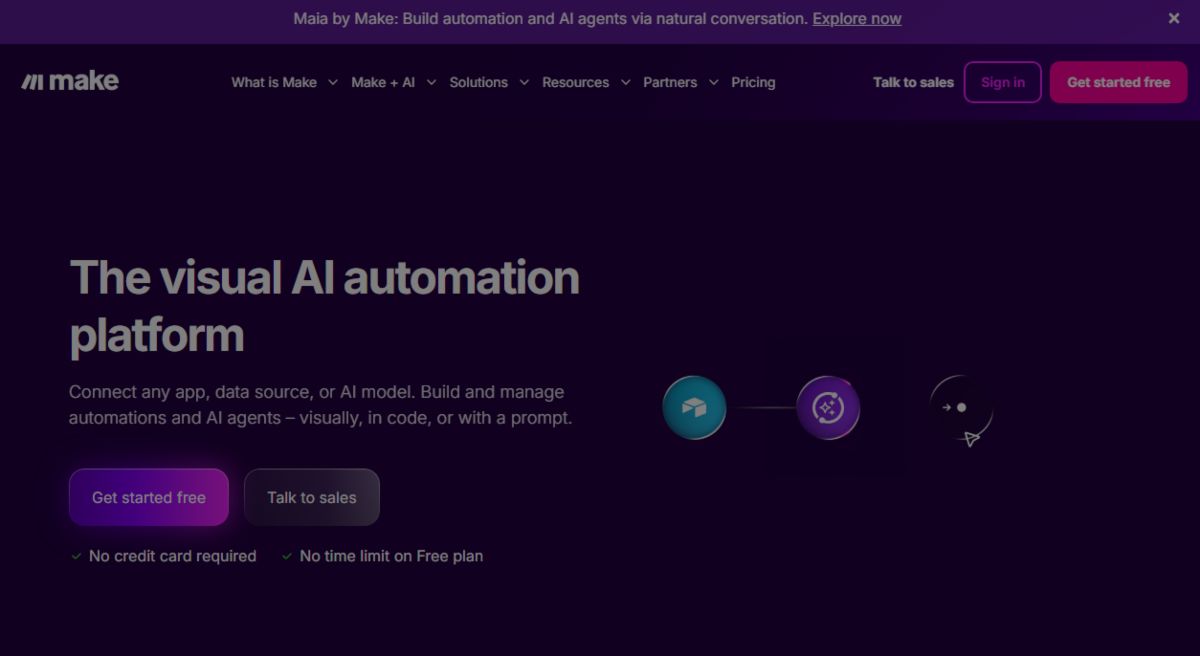
Best for: Visual data mapping and cost-effective multi-step workflows.
Make’s visual circular interface makes building complex logic paths surprisingly intuitive. Over the last two years, they’ve added native AI modules that make processing structured output effortless.
Why I use it: The visual builder lets you see data moving through branches in real-time. It’s significantly cheaper than Zapier for high-volume workflows.
Best feature: Advanced data transformation tools and visual error handling.
Pricing: Free plan; Core plan starts at $9/month.
5. Lindy AI
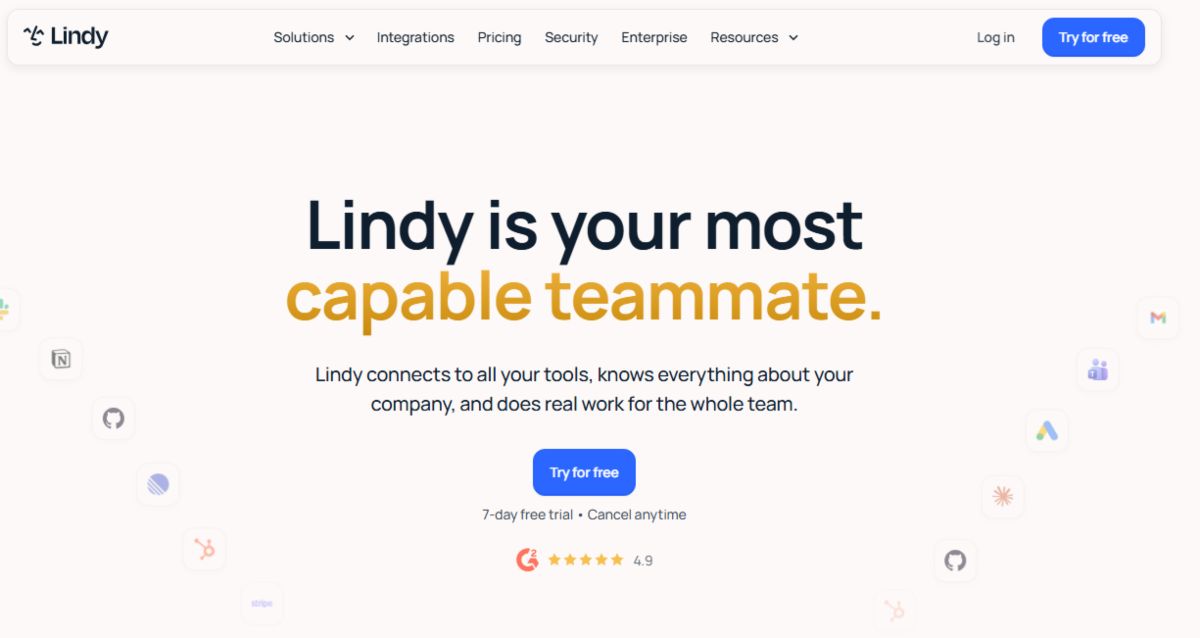
Best for: Creating autonomous AI employees and agents.
Lindy allows you to build custom “Lindy Agents” that act like remote team members. You can assign a Lindy to monitor an inbox, manage calendar conflicts, or handle medical/legal administrative intake.
Why I use it: It handles conversational, multi-step triggers better than simple event-based platforms.
Best feature: Pre-built agent templates for sales development, support, and executive assistance.
Pricing: Free trial; Pro plans start around $49/month.
6. Stack AI
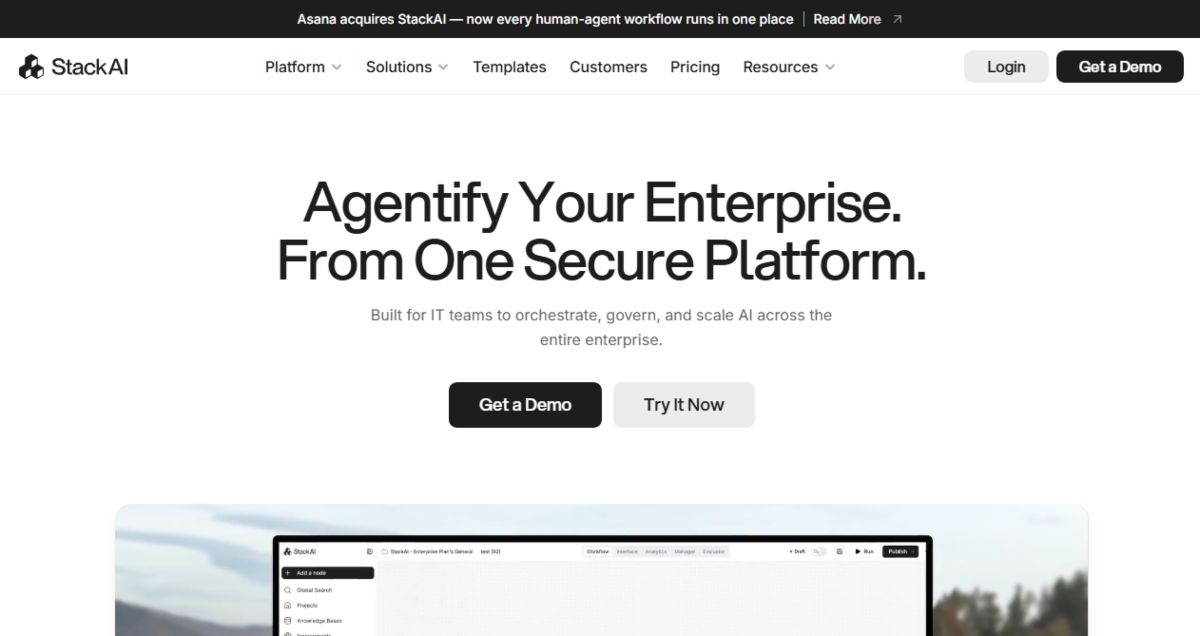
Best for: Enterprise-grade AI workflow builder and RAG applications.
Stack AI is a no-code canvas designed specifically to build AI backends, complex RAG (Retrieval-Augmented Generation) pipelines, and enterprise-level database automations.
Why I use it: Connecting large PDF libraries or internal company document bases to customized LLM workflows takes minutes here.
Best feature: Seamless connection with vector databases (Pinecone, Qdrant) and strict security controls.
Pricing: Free plan; Team plans start at $199/month.
7. Vellum AI
Best for: Developers building production-ready AI workflows and testing prompts.
Vellum sits between low-code and full software development. It gives you an environment to test, version-control, monitor, and deploy complex prompt workflows securely.
Why I use it: If you’re building client-facing AI features and need to compare how Claude 3.5 Sonnet vs. GPT-4o performs on the exact same dataset, Vellum makes side-by-side testing easy.
Best feature: Backtesting and prompt engineering analytics.
Pricing: Custom developer pricing based on usage.
8. Pipedream
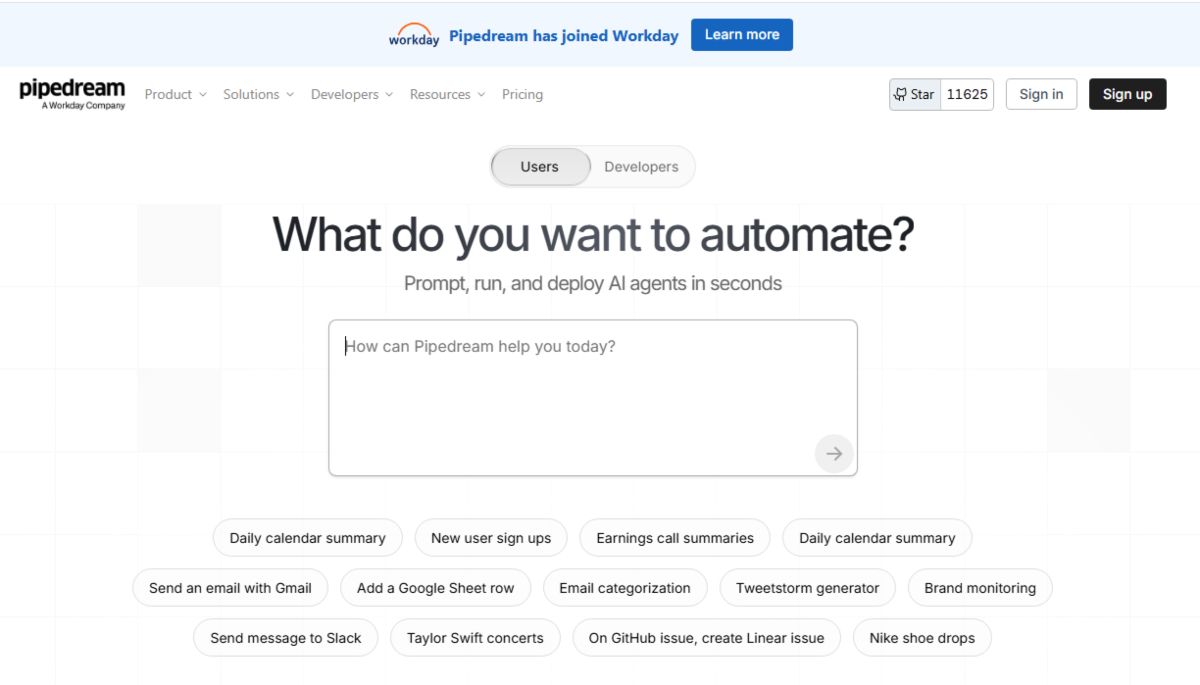
Best for: Developer-first serverless workflow automation.
Pipedream is built for creators who aren’t afraid of writing code snippets inside their workflows. It handles auth, state management, and serverless infrastructure automatically.
Why I use it: When standard no-code connectors fall short and you need custom API calls blended with AI model outputs, Pipedream runs circles around traditional tools.
Best feature: Instant serverless execution with full Node.js and Python support.
Pricing: Generous free plan; Business plans start at $19/month.
9. Workato
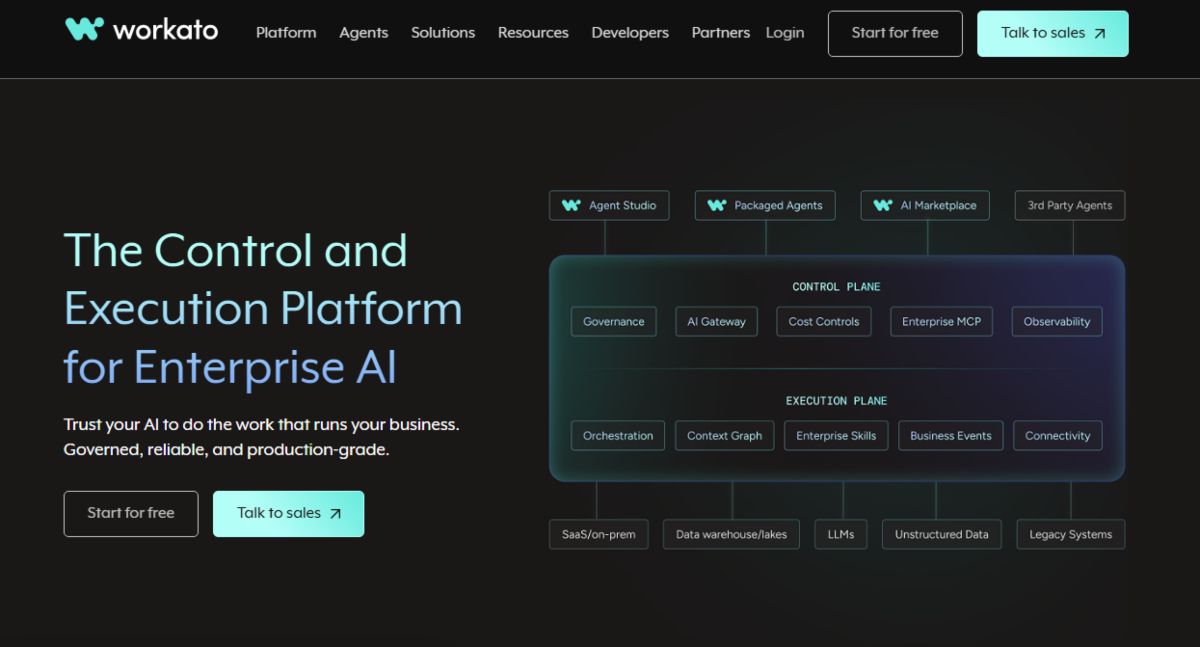
Best for: Mid-market and enterprise enterprise-grade IT automation.
Workato is an enterprise automation leader. With its Workbot AI integrations, enterprise teams can manage security compliance, HR onboarding, and cross-departmental operations at scale.
Why I use it: Recommended primarily for enterprise clients needing SOC2 compliance, audit logs, and complex ERP/CRM integrations.
Best feature: Enterprise governance and security controls.
Pricing: Custom annual contracts.
10. Taskade
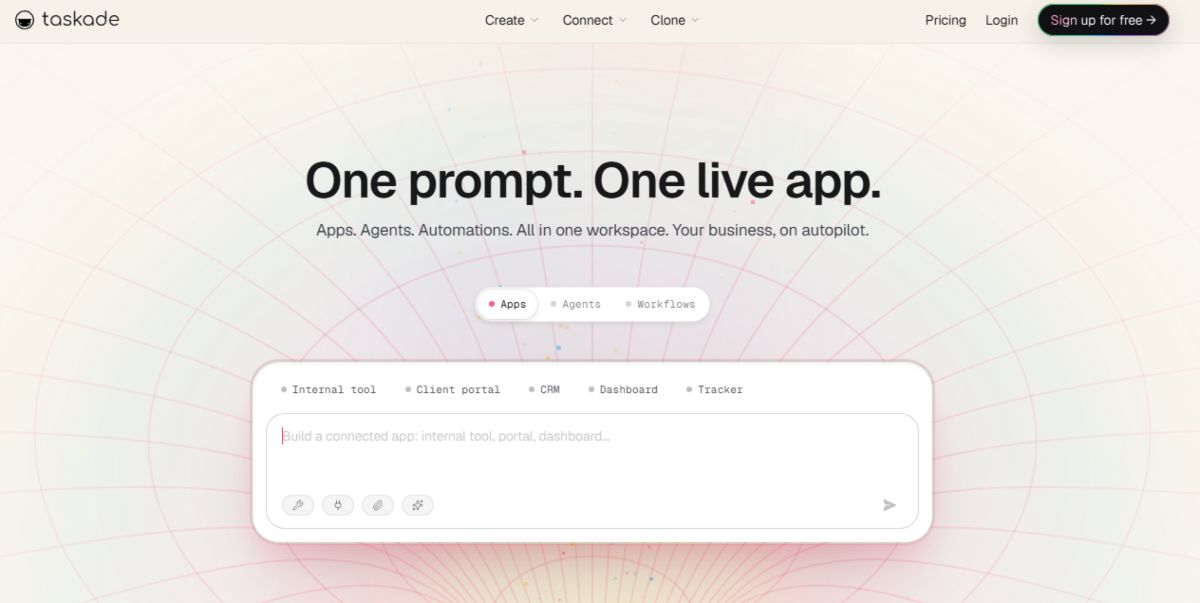
Best for: All-in-one team workspace with autonomous AI agents.
Taskade morphed from a simple task manager into an AI workspace where you can build teams of autonomous agents that work alongside your project boards and docs.
Why I use it: Instead of jumping between a project management tool and an automation builder, Taskade combines project planning, mind-mapping, and agentic workflows in one view.
Best feature: Multi-agent collaboration on shared project tasks.
Pricing: Free plan; Personal/Team plans start at $8/user/month.
11. Activepieces
Best for: Open-source, lightweight Zapier alternative.
Activepieces is an open-source automation platform focused on simplicity and community-driven pieces (connectors).
Why I use it: Clean interface, active open-source community, and very fast performance for basic-to-mid complexity AI workflows.
Best feature: Super easy self-hosting setup via Docker.
Pricing: Free self-hosted; Cloud plan starts around $15/month.
12. Bardeen AI
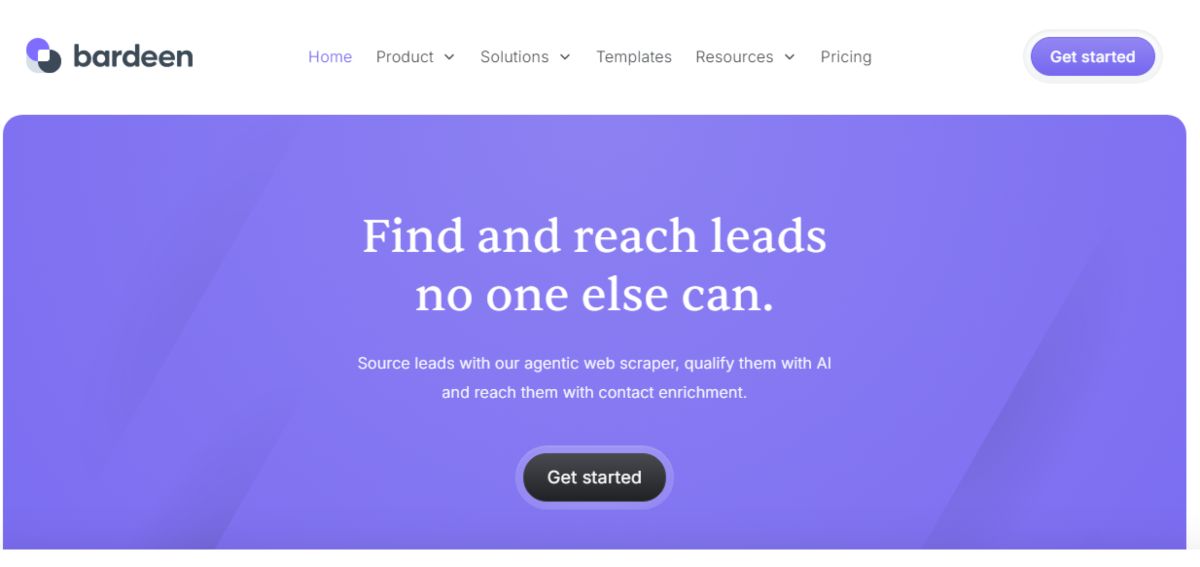
Best for: Browser-based automation and real-time web research.
Bardeen lives directly in your web browser as an extension. It allows you to run AI workflows on whatever web page you’re currently viewing without switching tabs.
Why I use it: Incredible for quick web scraping, extracting LinkedIn/lead profiles, and instantly sending structured summaries straight to Google Sheets or Notion.
Best feature: One-click shortcut execution directly inside your browser.
Pricing: Free plan available; Professional starts at $10/month.
13. MindStudio (by YouAi)
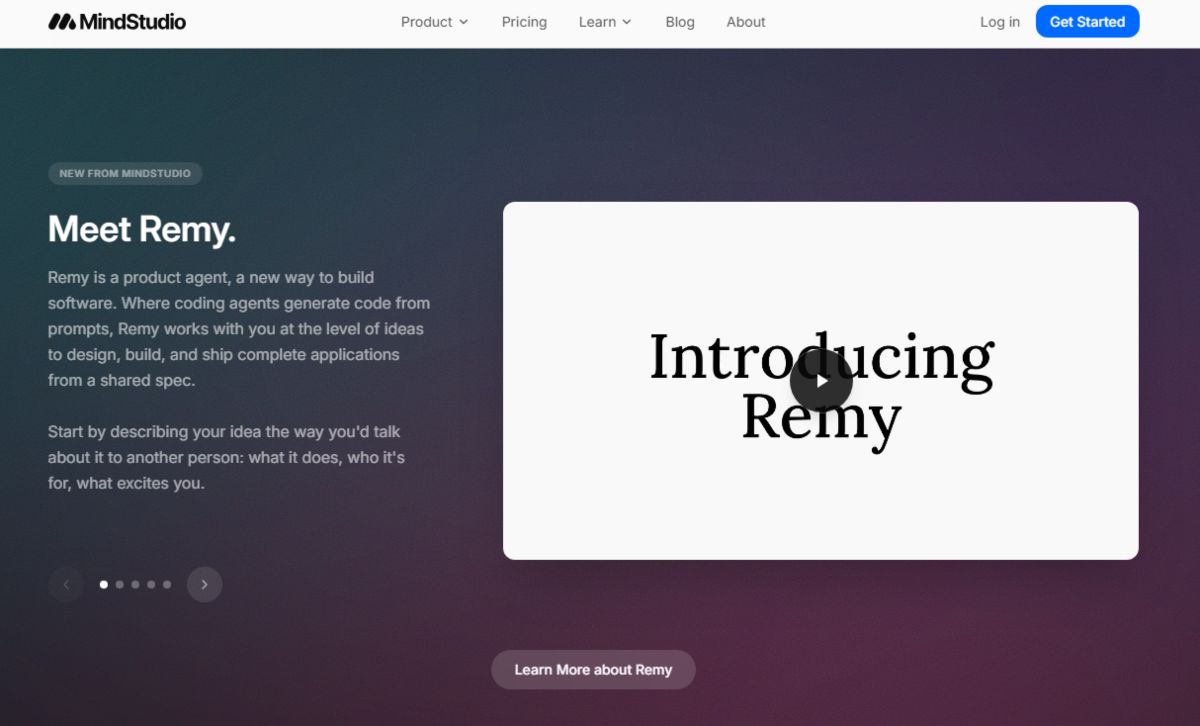
Best for: Building custom consumer or internal AI apps without code.
MindStudio lets you craft custom AI applications with complex workflow pipelines under the hood, which you can embed directly into websites or client portals.
Why I use it: Excellent when you want to wrap an AI automation into a neat UI and share or sell it as a stand-alone tool.
Best feature: Multi-model routing (lets you pick different LLMs for specific sub-tasks in a single workflow).
Pricing: Free tier; Developer options start around $20/month.
14. Flowise AI
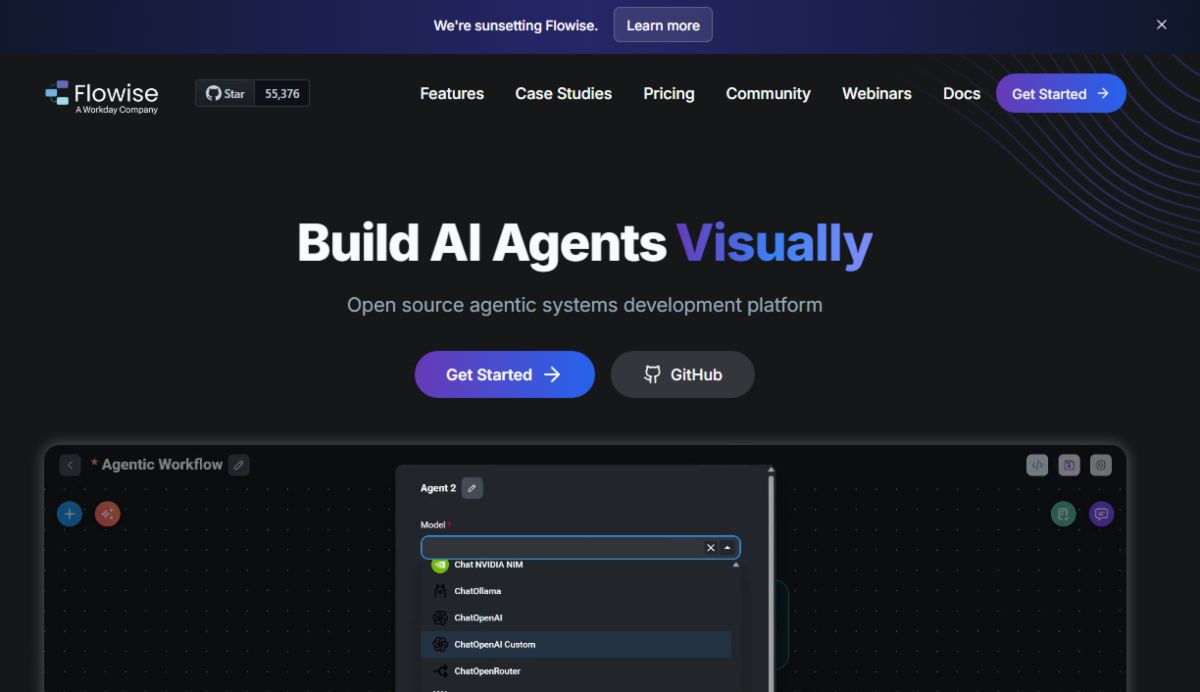
Best for: Drag-and-drop LangChain node builder.
Flowise is an open-source UI tool designed to build customized LLM orchestration flows, agentic setups, and memory chains visually.
Why I use it: It visualizes complex developer concepts like LangChain and LlamaIndex so you can build advanced conversational agents and multi-tool workflows without writing raw code.
Best feature: Open-source drag-and-drop LLM orchestration framework.
Pricing: 100% Free open-source (self-hosted).
Final Verdict: Which AI Automation Tool Should You Choose?
If you’re unsure where to start, here is my quick takeaway based on my testing at ToolVetting:
- For the best overall AI-native experience: Go with Gumloop. It’s intuitive, powerful, and built specifically for modern AI tasks.
- For standard app connections & massive integration choices: Stick with Zapier or Make.
- For developers & privacy control: n8n (self-hosted) or Pipedream offer maximum flexibility.
- For client work requiring manual sanity checks: Relay.app ensures your AI doesn’t run wild without your green light.
Automating your repetitive tasks isn’t about replacing human thinking, it’s about clearing out busywork so you can focus on high-impact strategy. Pick one or two tools from this list, build your first automated pipeline this week, and watch how many hours you claim back.
You May Like To Read:
